
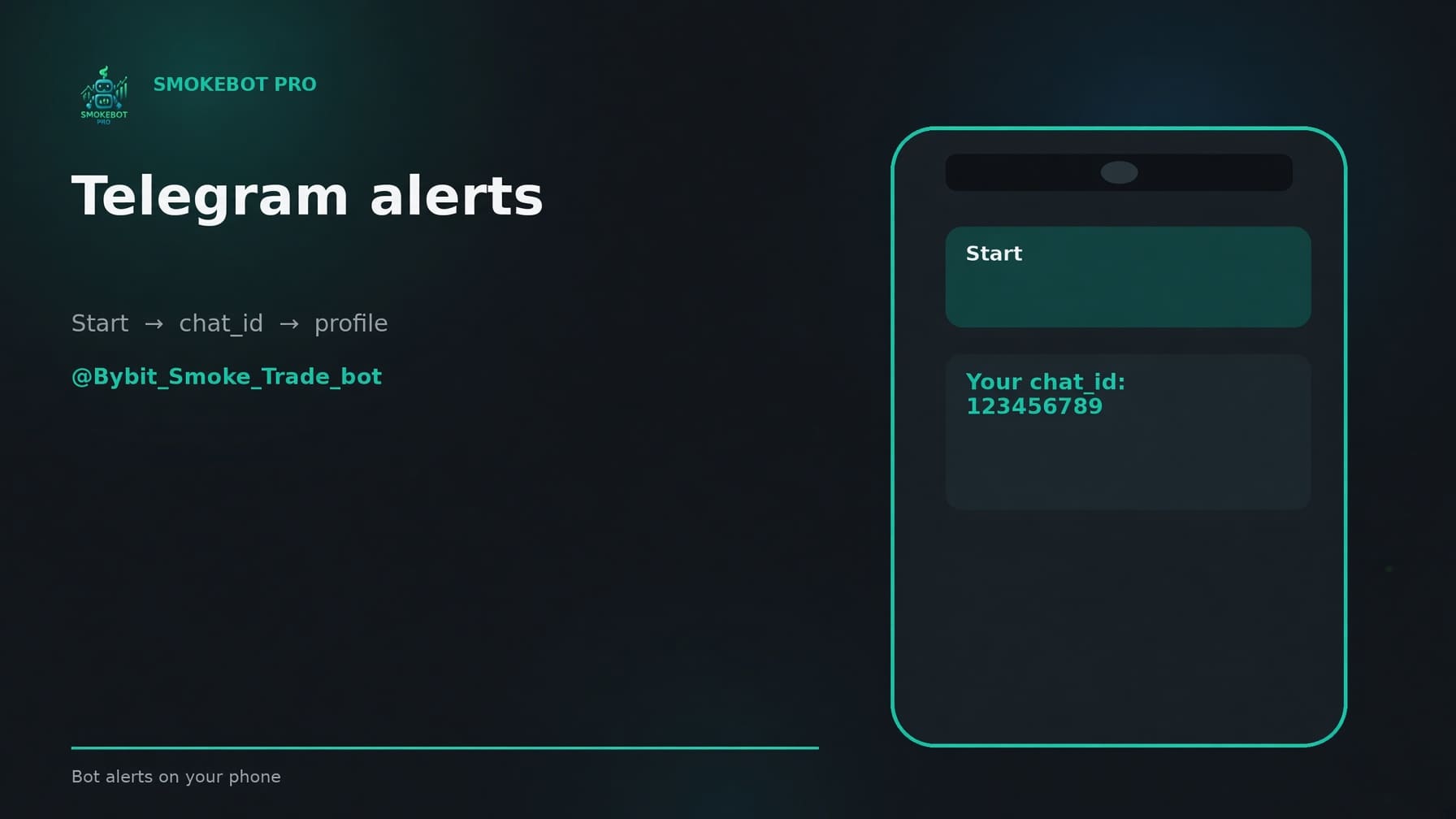
The bot uses Telegram to send notifications directly to your smartphone.
Enabling notifications only takes a few simple steps.
In your personal account, open the “Edit Profile” tab and enter your Chat ID. To get your Chat ID, find our bot on Telegram at https://t.me/Bybit_Smoke_Trade_bot.
When you open the bot for the first time, press the Start button. The bot will send you your Chat ID. Copy it into the Chat ID field on the website. The setup is now complete, and notifications about the bot's activity will be sent to you via Telegram.
Make sure that the “Receive Telegram notifications” option is also enabled in the same profile.