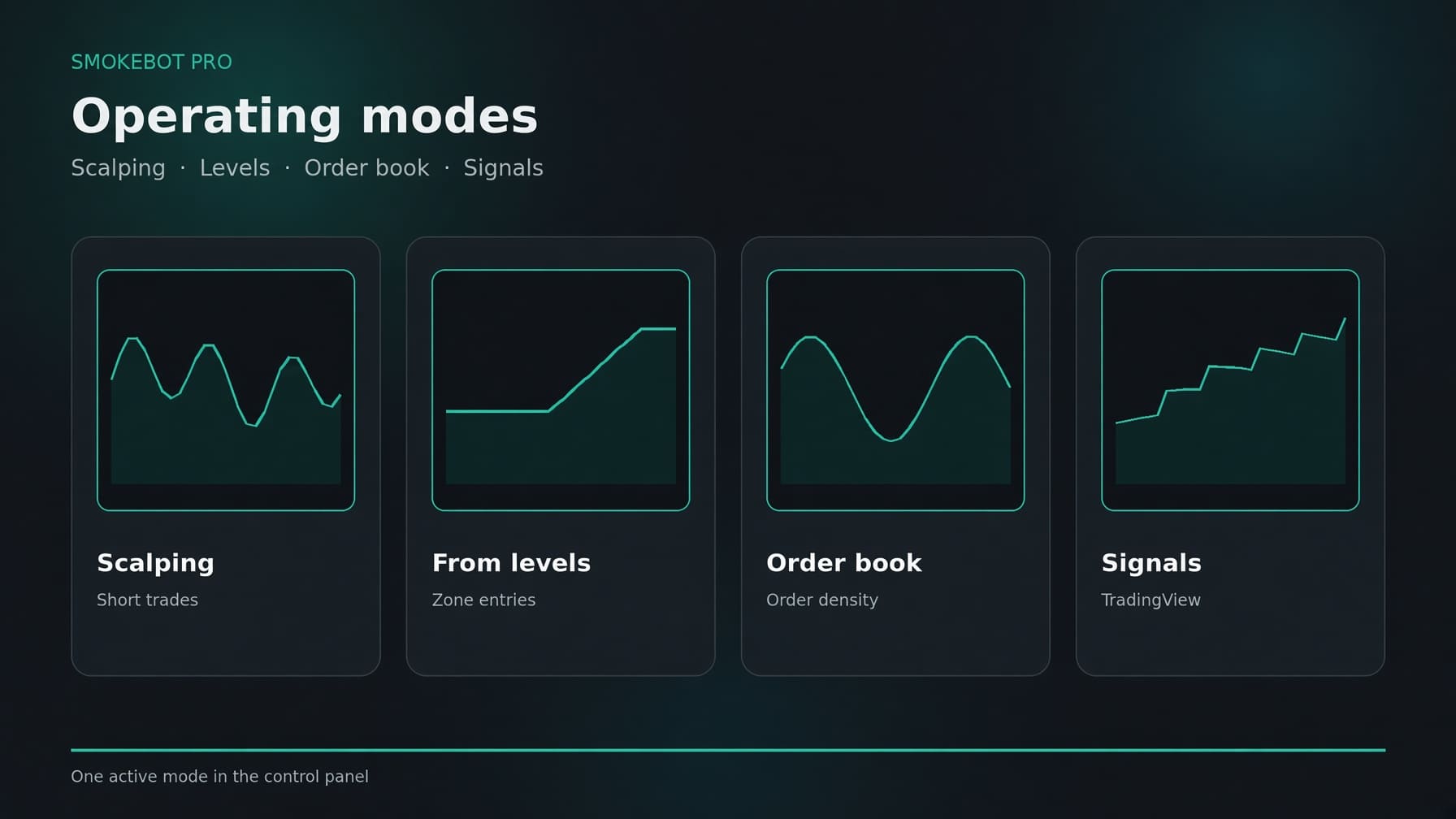
SmokeBot Pro can run only one trading mode at a time. You can select the mode in the bot settings depending on your trading needs: the bot can find trades on its own, trade from price zones, analyze the order book, or execute your own TradingView strategy.
Scalping
The primary mode for short-term trades. The bot selects trading instruments, opens positions, and manages them according to its own rules until exit. Suitable for those who want a fully automated trading process without relying on an external strategy.
Level-Based Trading
Entries are made around key price zones. The bot identifies areas where the price is more likely to reverse and opens a position near that boundary. This mode is designed for traders who think in terms of price levels rather than a constant flow of short-term impulses.
Order Book Trading
Trading decisions are based on order-book liquidity and order density. The bot analyzes where there is significant market interest, and uses this information to determine entries and exits. This mode is intended for those who want to see the current supply and demand picture rather than relying solely on the price chart.
TradingView Signals
Trade using your own strategy. A signal is received from TradingView via webhook, and the bot executes it on Bybit. You remain responsible for identifying the entry setup, while the bot handles execution and position management.
You can switch between trading modes from the bot's administration panel. There is no need to change the mode every time the market moves: the selected mode should match the way you want to trade, rather than reacting to every piece of market news.